The committee's office, on the web
Everything the President, Secretary and Treasurer need to run the association, from any computer or phone browser. No spreadsheets passed around on WhatsApp.
Screens show a sample society with made-up residents.
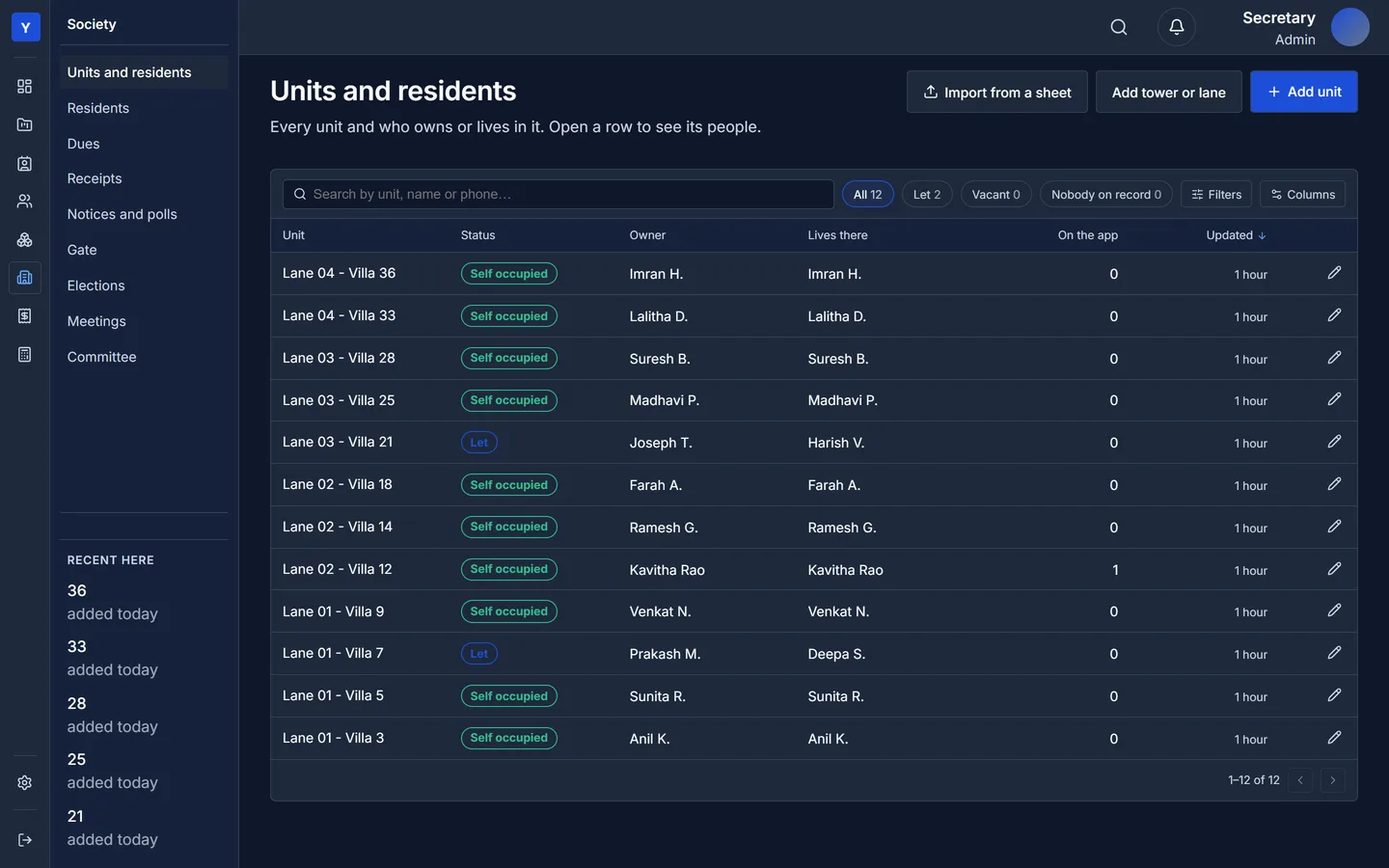
Every villa, and who owns or lives in it
Lanes and villas, owners and tenants, and who actually lives there. Filters show let and vacant villas at a glance.
- Import the whole society from one spreadsheet, opening dues and advances included
- Invite an owner or tenant to the app in one click
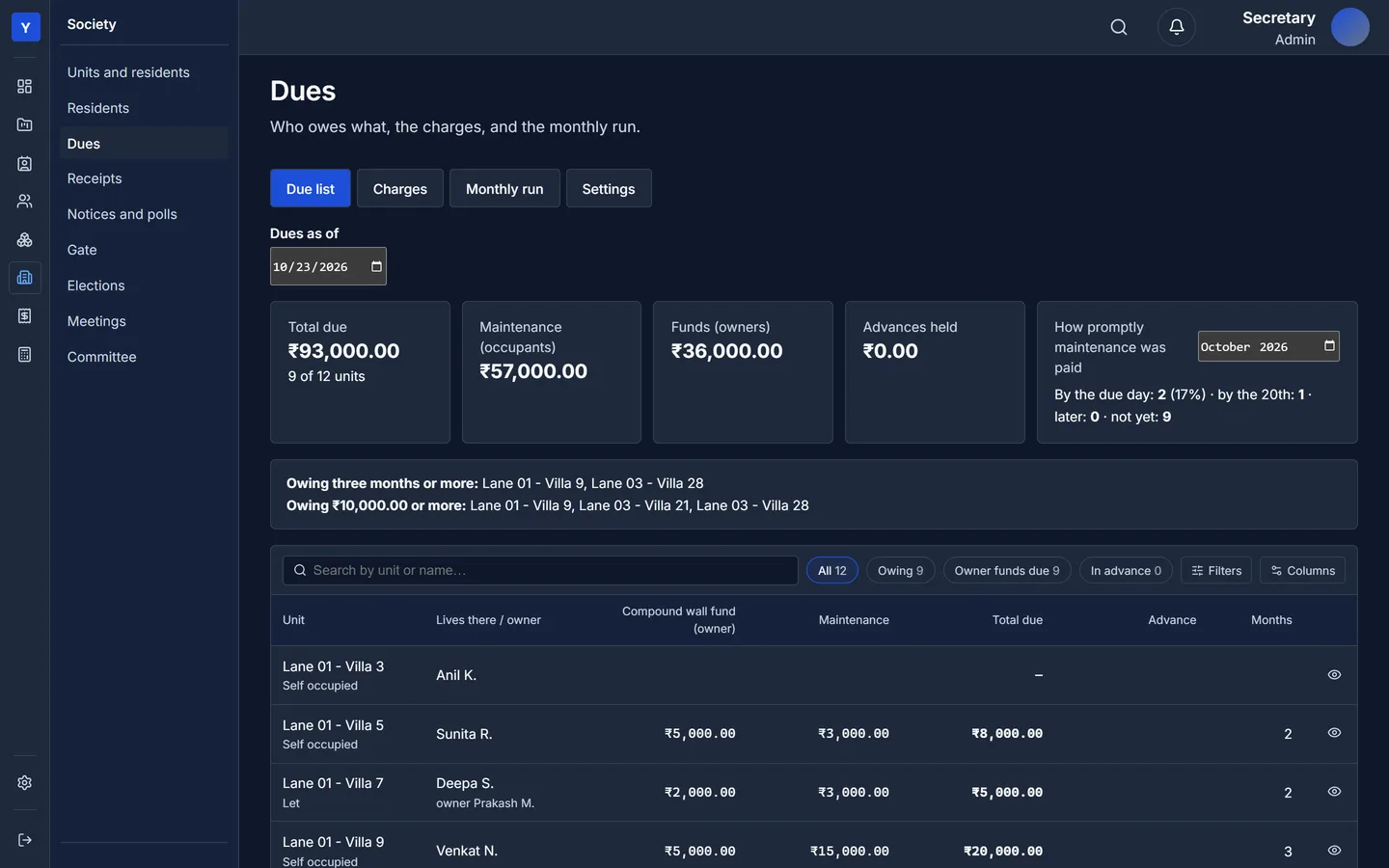
Charges, the monthly run, and who owes what
Set up maintenance and special funds once: a fixed amount or by area, monthly or one-time, the due day, and whether the occupant or the owner pays. Each month one click bills every villa, and running it twice bills nothing twice.
- Due list with totals for maintenance and owners' funds, and advances held
- Defaulters at a glance: owing three months or more, or ₹10,000 or more
- How promptly each month was paid
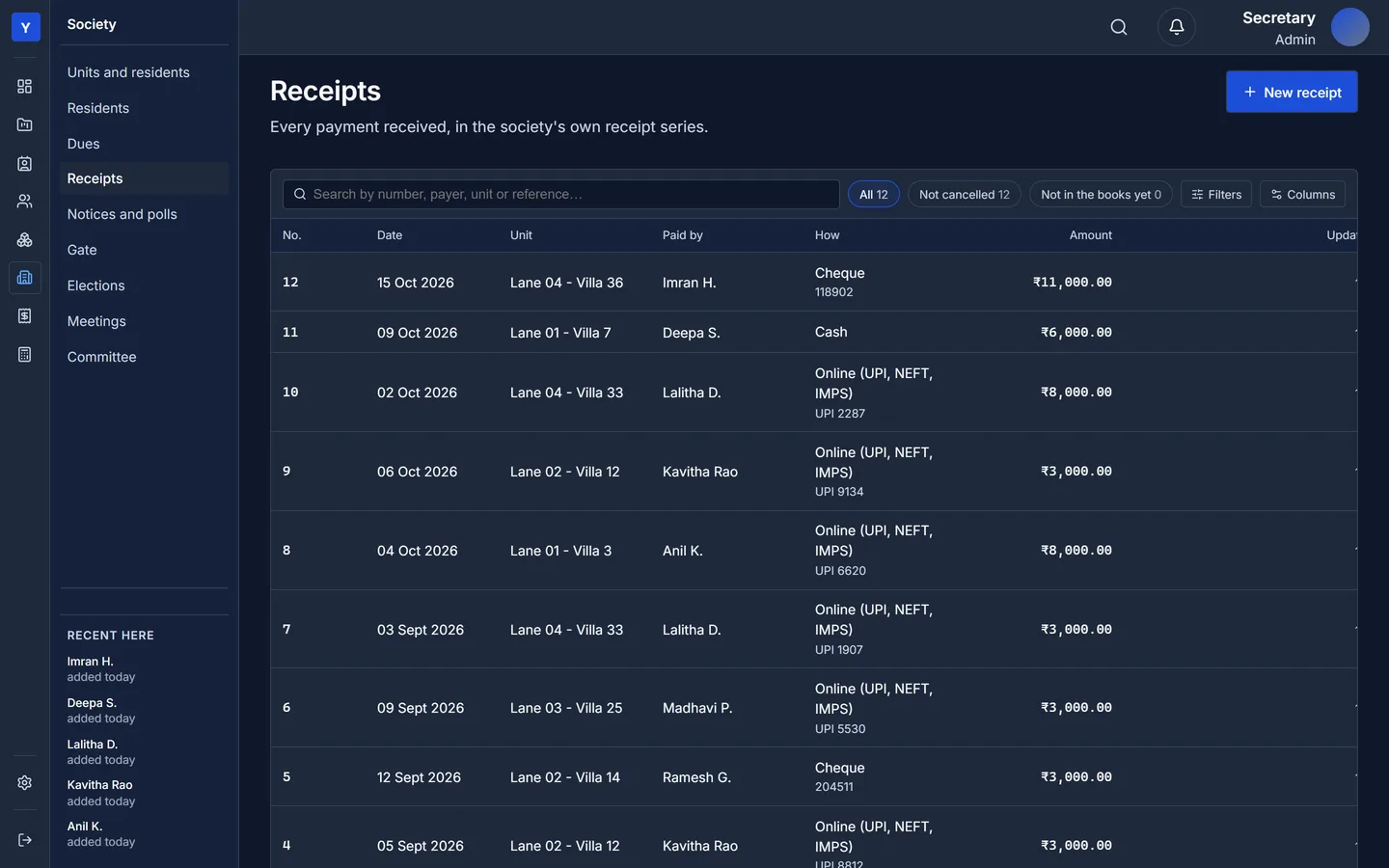
Receipts that post themselves to the books
Record cash, cheque or online payments in the association's own receipt series. Each payment clears the oldest dues first, and one payment can cover several villas.
- Every receipt posts to the association's accounts; a cancelled receipt reverses its entry, with the reason kept
- A tenant's payment never clears the owner's funds
- Residents see the receipt in their app straight away
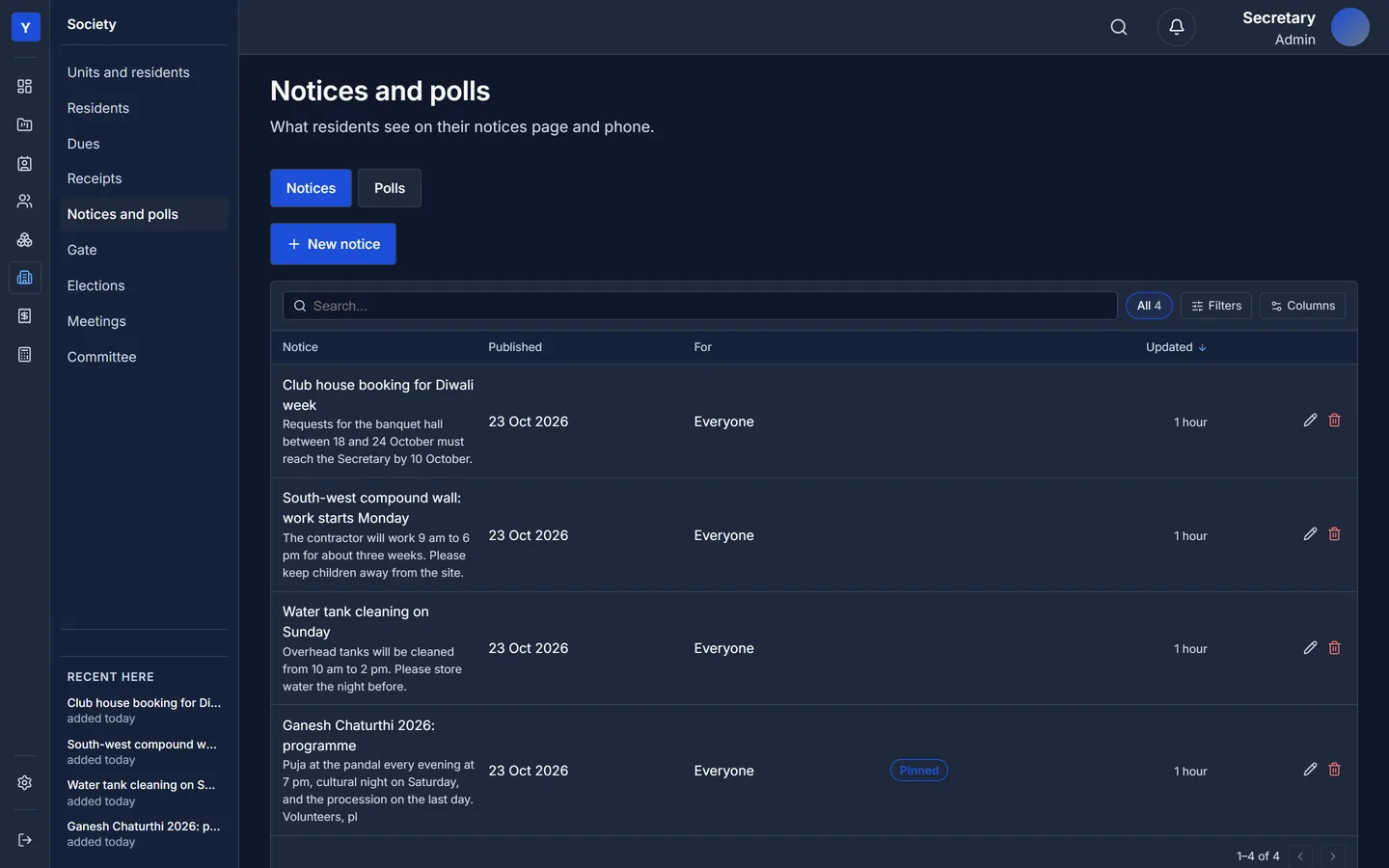
Tell everyone, ask everyone
Write a notice for the whole society or one lane, pin the important ones, keep drafts until they are ready. Open a poll with your options and a closing date; each villa gets one vote.
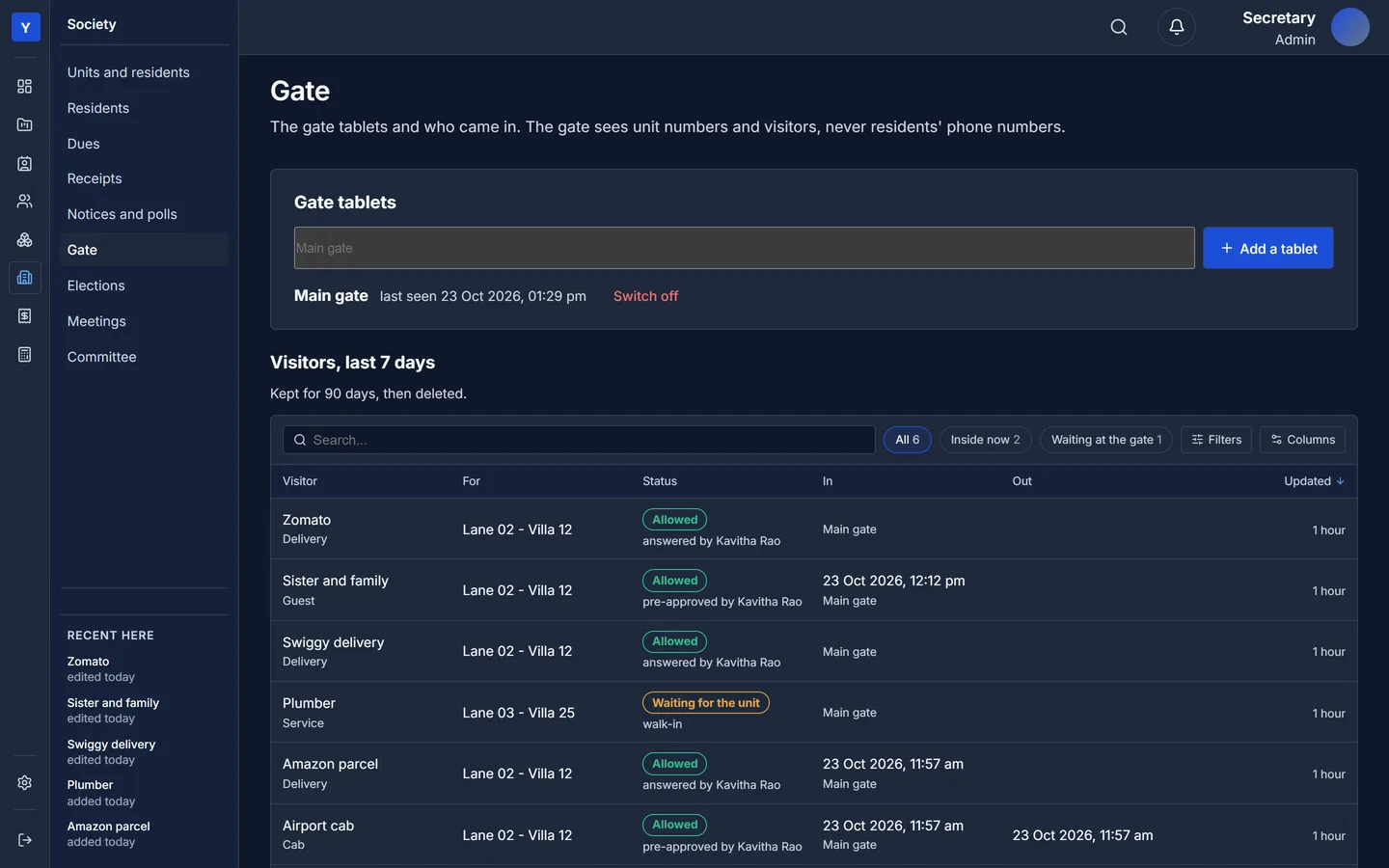
The gate tablets, and who came in
Add a tablet for each gate and switch one off if it is lost. The visitor log shows the last seven days: who came for which villa, who answered, and when they came in and went out.
- Settings for how long the gate waits for an answer
- Visitor records and photos are deleted after 90 days