Yezba Gate, the security app
Runs on the phone or tablet at the main and rear gates. Big buttons, three languages, and no resident phone numbers. Visitors are approved by the house they visit.
Screens show a sample society with made-up residents.
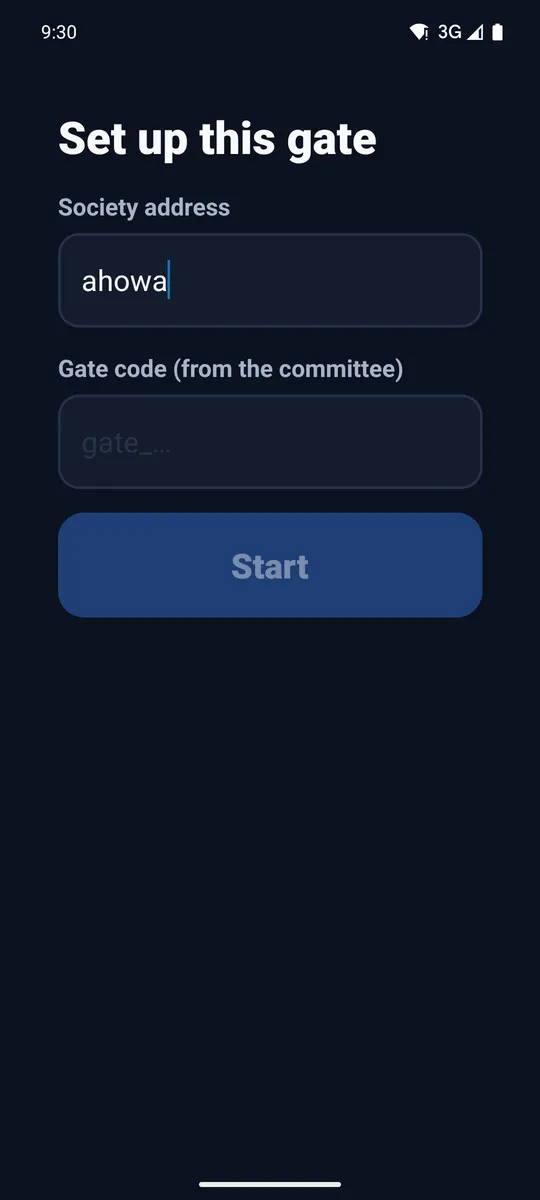
Paired by the committee, not a personal login
The committee adds a gate tablet on its Gate screen and gets a one-time gate code. Type the society address and that code once; the device stays signed in.
- A lost or replaced phone is switched off from the committee's screen
- The gate sees villa numbers only, never residents' names or phone numbers
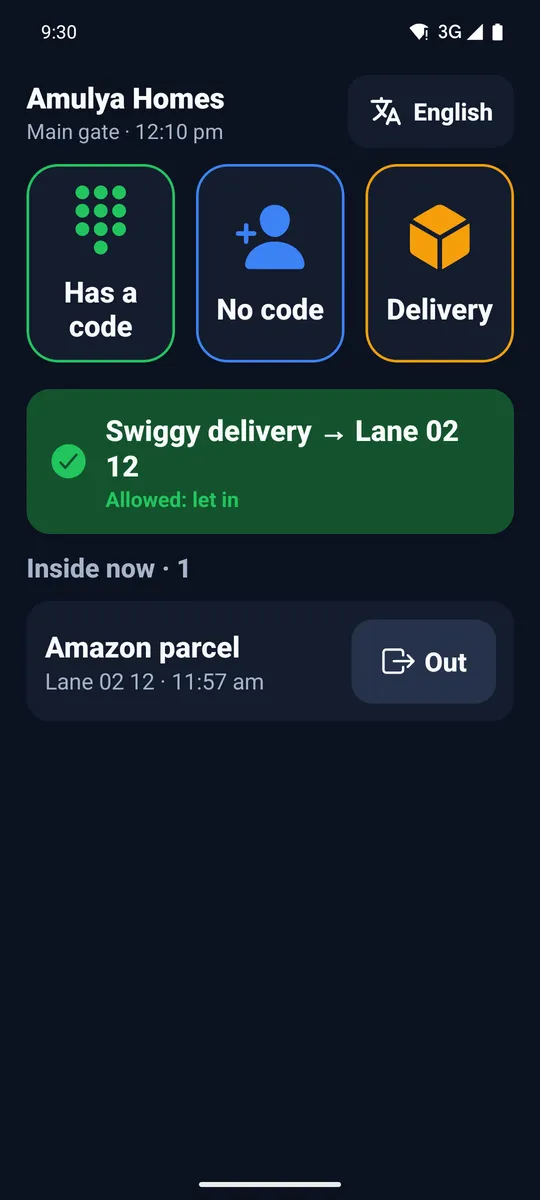
Three big buttons, and who is inside
Has a code for expected guests, No code for anyone else, and Delivery for parcels and food. Below them: visitors the house has just allowed, and everyone inside now, each with an Out button.
Type the 6 digits, let them in
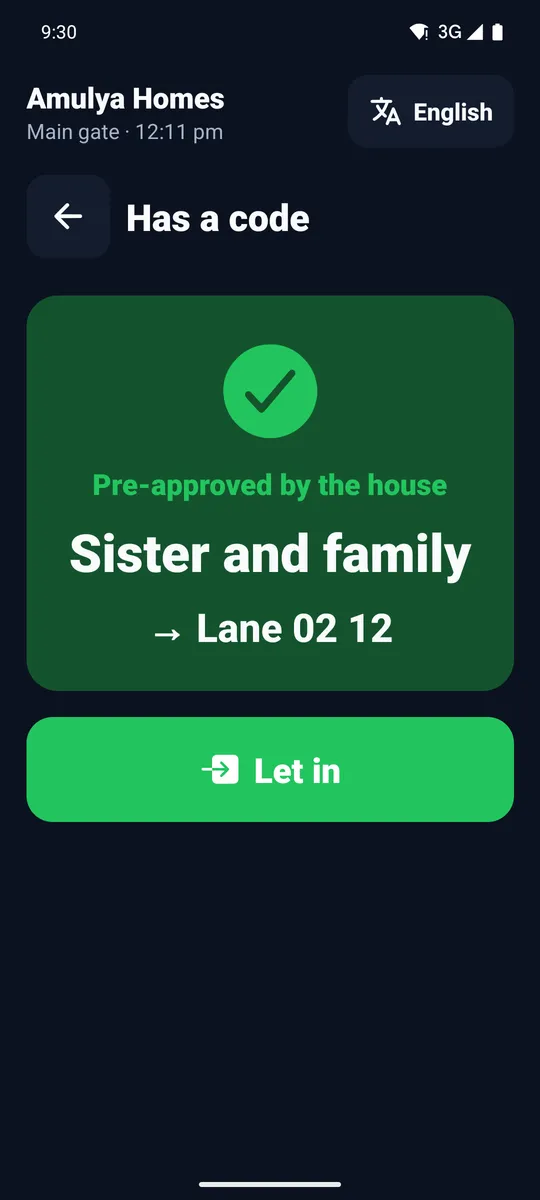
A guest the resident pre-approved shows a code. The guard types it on a large keypad and sees who the visitor is and which villa; one tap on Let in records the entry.
- A code works once and only until its expiry
- No call to the house needed
Which house?
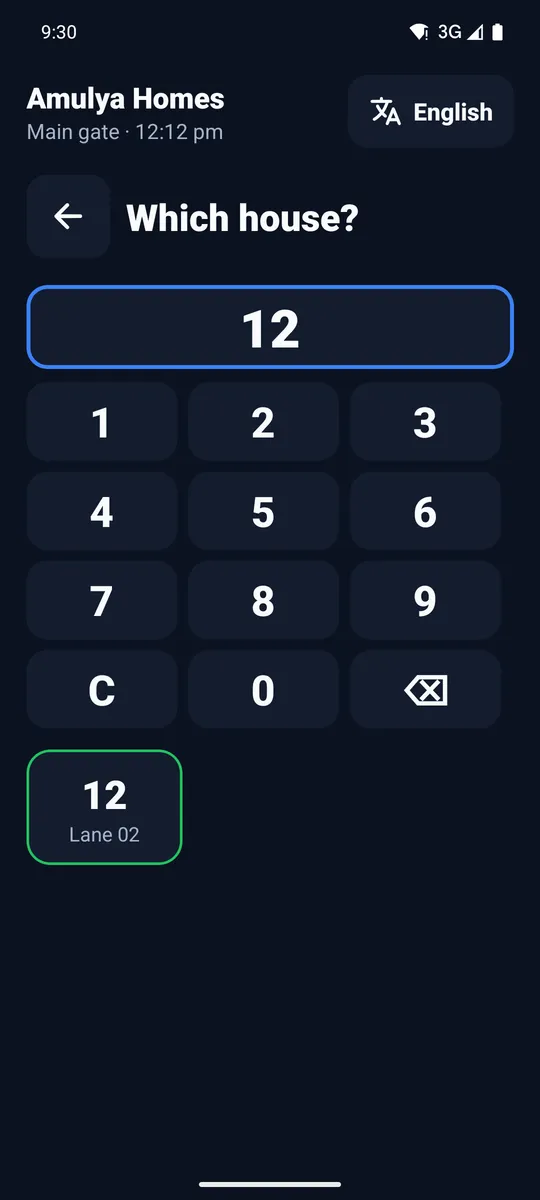
Tap the villa number on the keypad; the matching houses appear as tiles, with their lane. No scrolling through long lists.
Who is it?
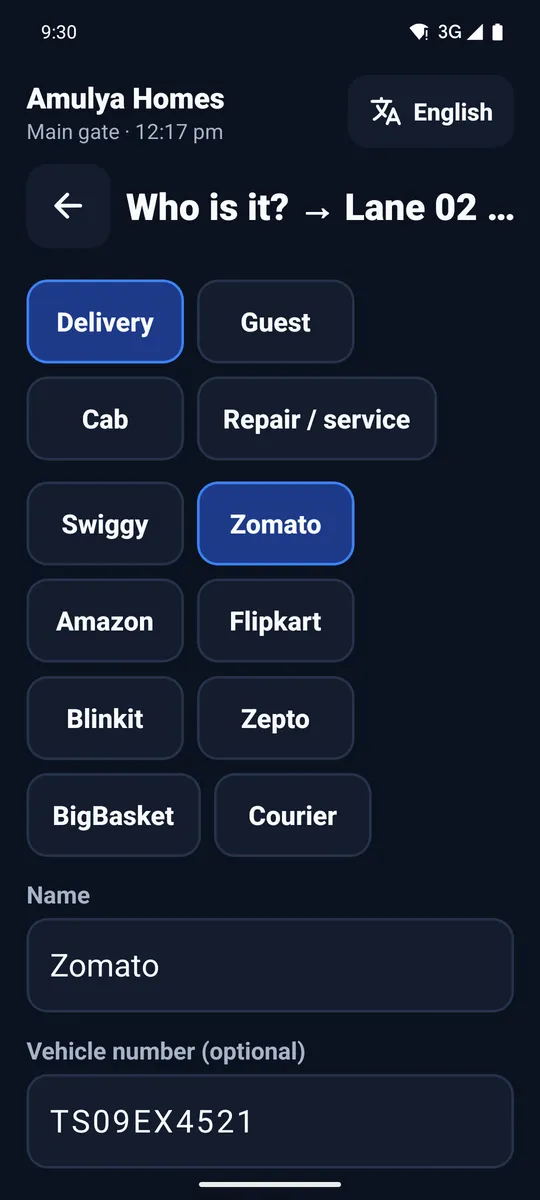
Delivery, guest, cab or repair. For deliveries, one tap picks the company (Swiggy, Zomato, Amazon and others). Add the vehicle number and, if needed, a photo, then Ask the house.
The house answers on its phone
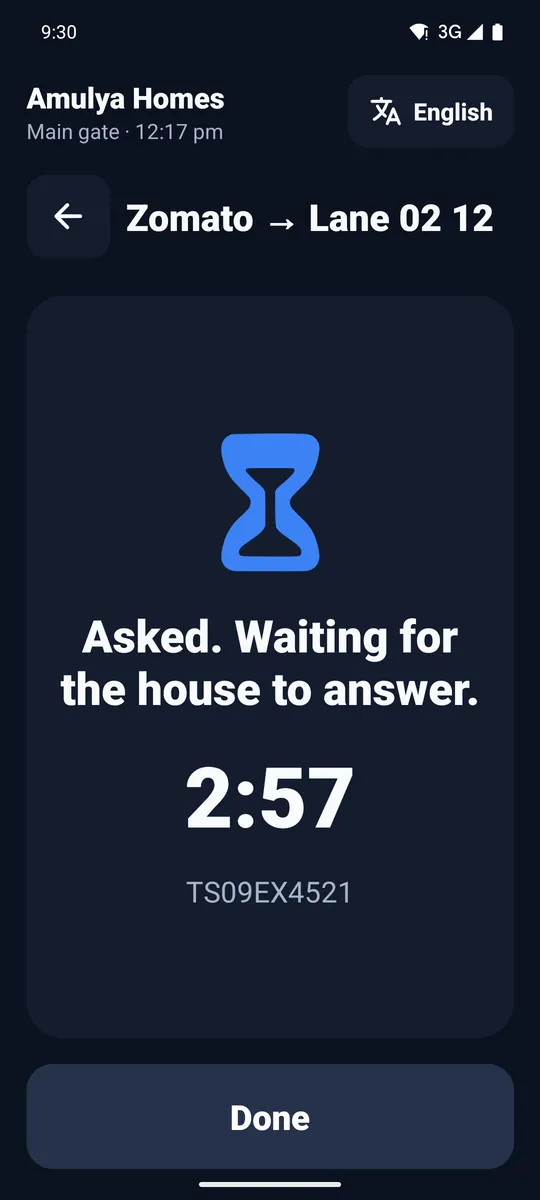
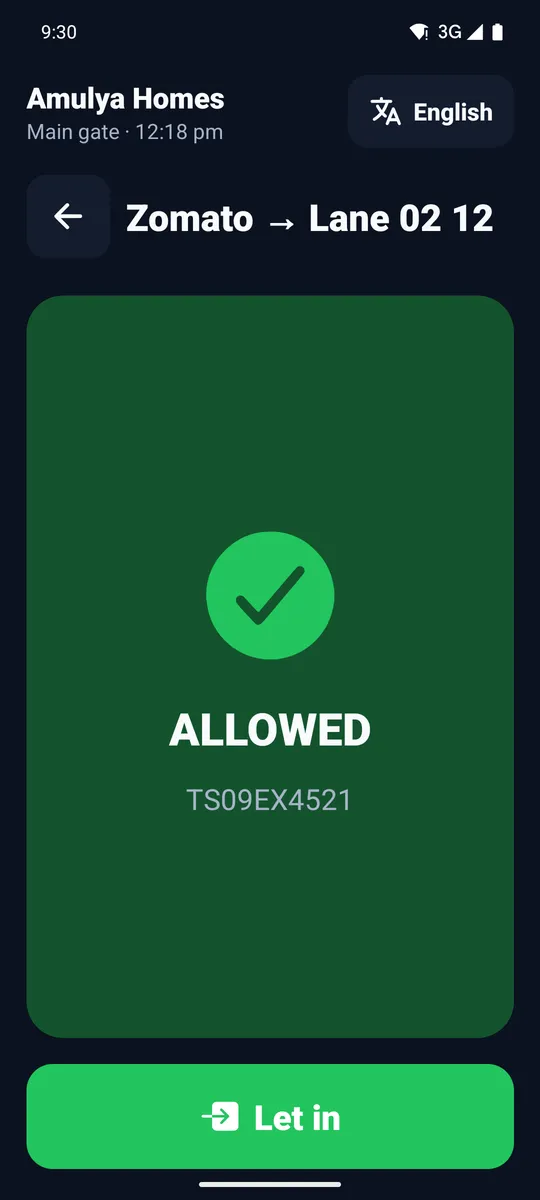
The gate shows a countdown while the residents decide. When they answer, the screen turns green with Let in, or red if they deny. No answer in time? The app says so, and the guard calls the house the old way.
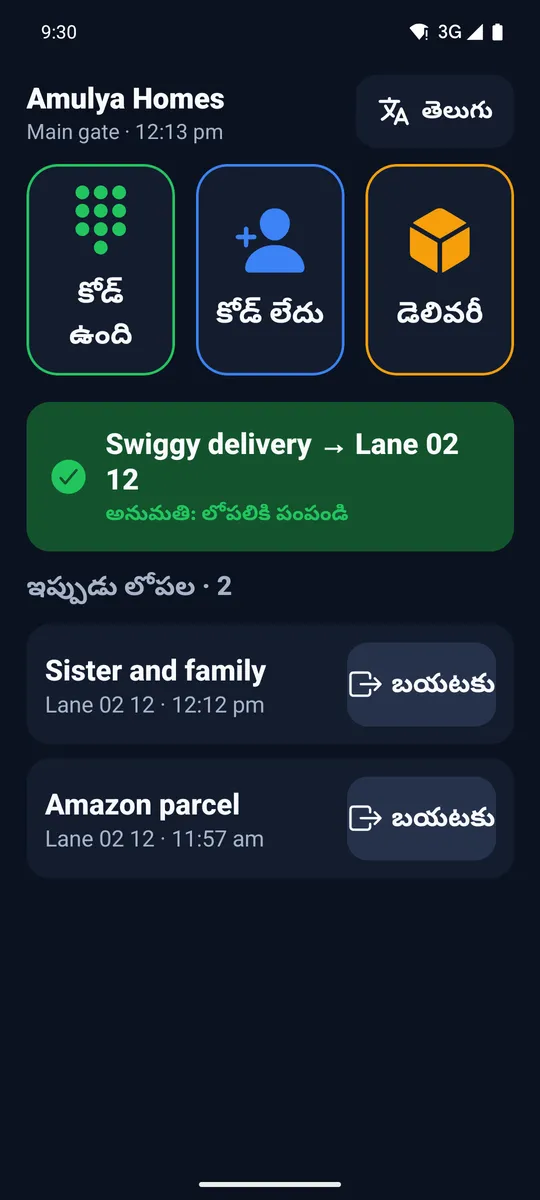
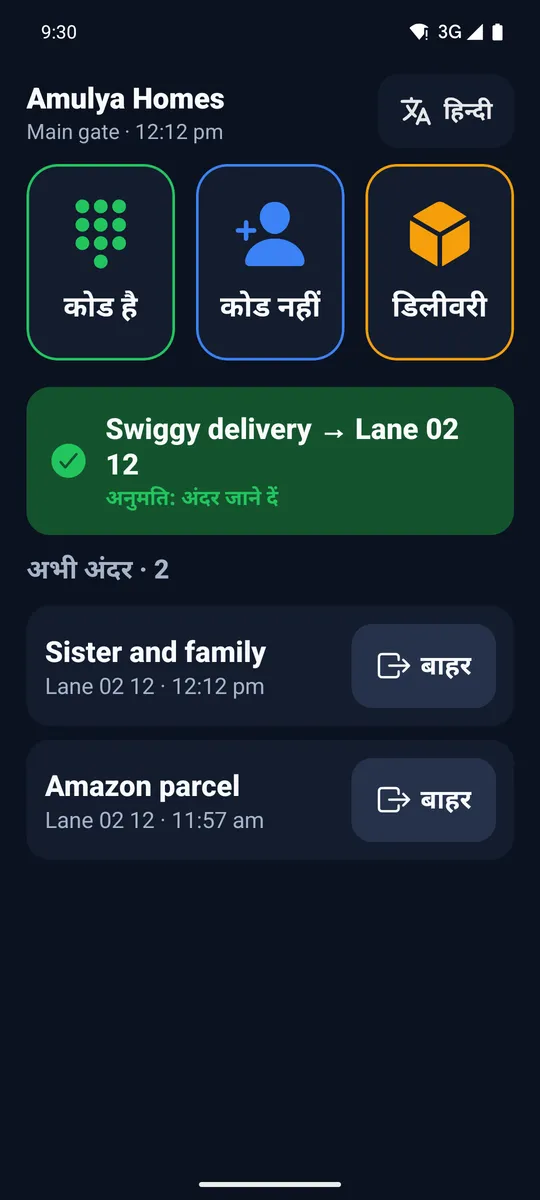
English, हिन्दी and తెలుగు
The language button at the top switches the whole app, so each guard can work in the language they read best. The app remembers the choice.
- Works when the network drops: entries wait and send later
- Screen stays on
- Photos deleted after 90 days